
 Mohamdy.psd
Text effect generator
Type the line, pull it out of shape, let the ink eat the edges, then take the file.
Three moves.
Type the line, or drop in a logo. Break the edges with blur, threshold and turbulence, or start from a preset and move three sliders. Take the file as PNG, SVG or an MP4.
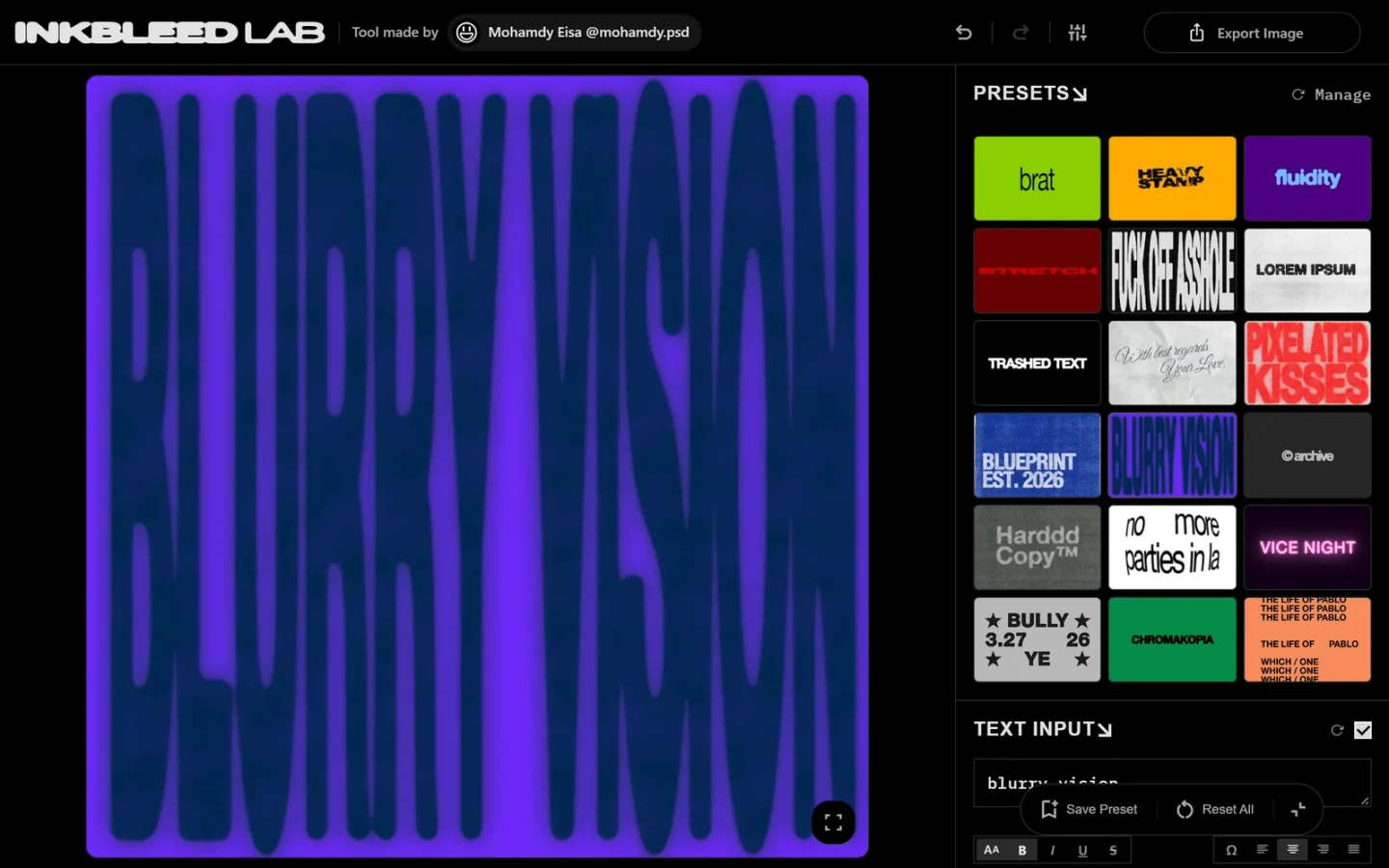
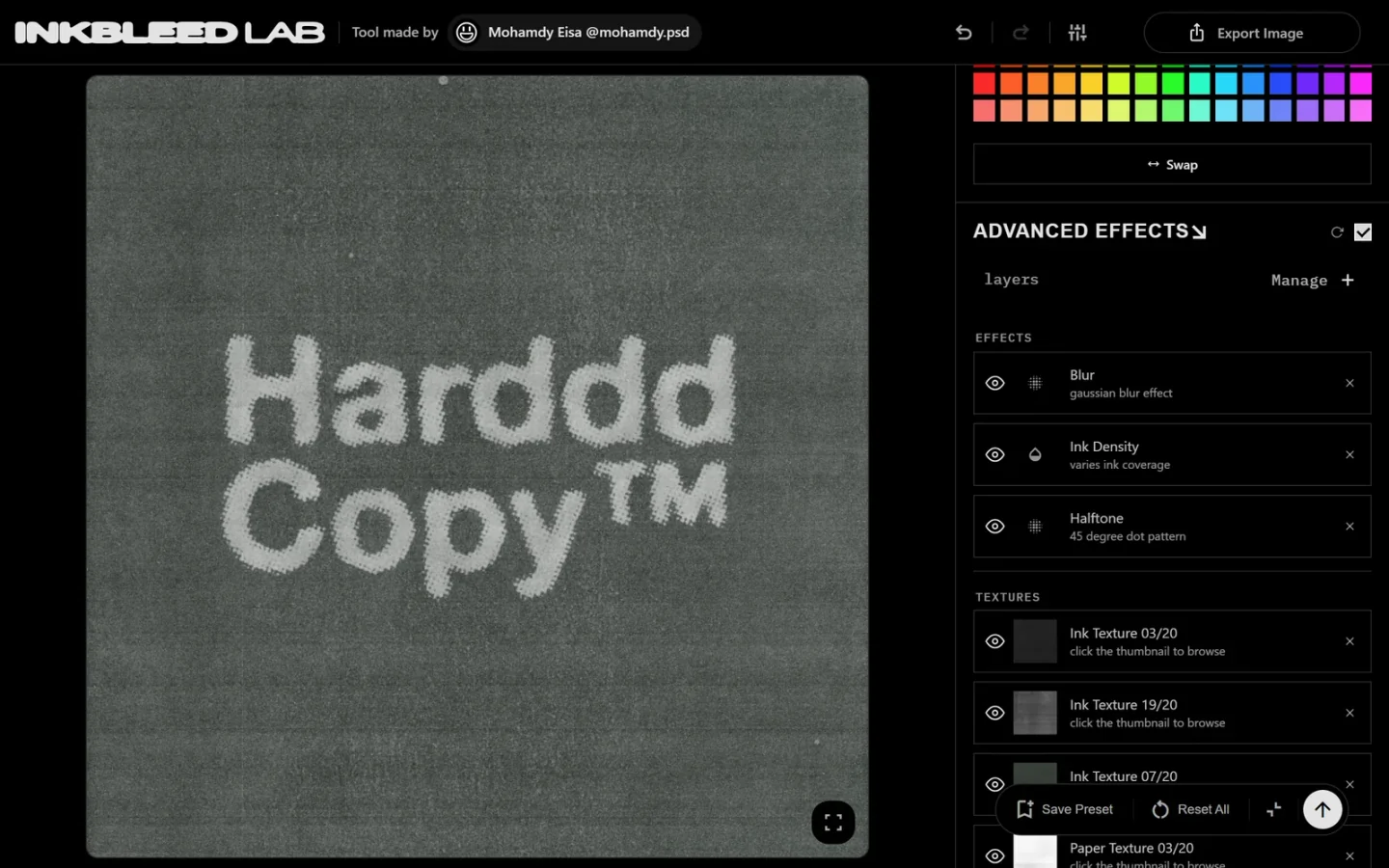
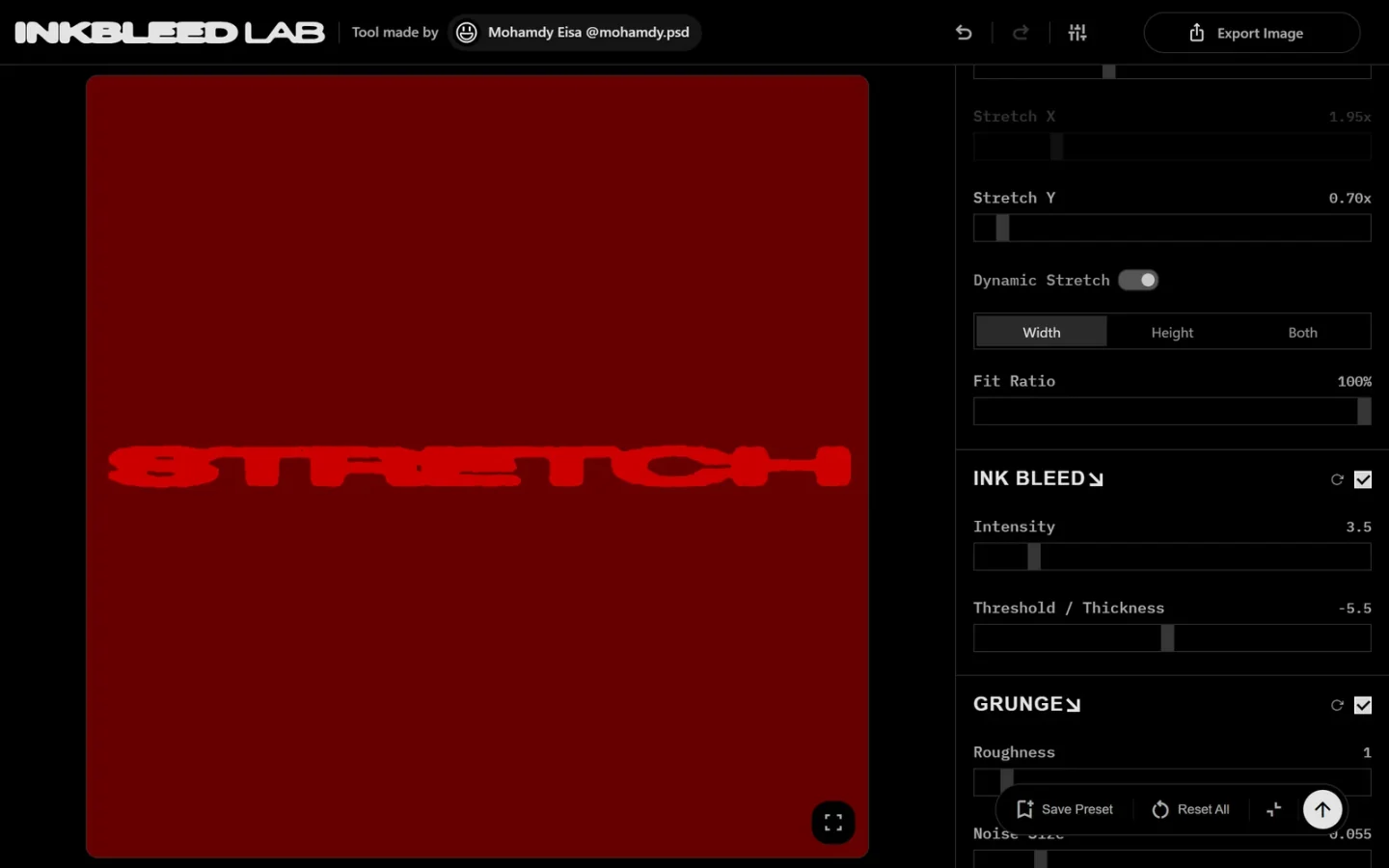
Ten effects. Forty controls. One canvas.
Blur, threshold, turbulence, displacement, halftone and grain, all rendering as you drag. Phone or desktop, same engine, same result.
Ink bleed renderer
Blur, threshold, turbulence. The letterform decides where the ink stops, not a texture stamp.
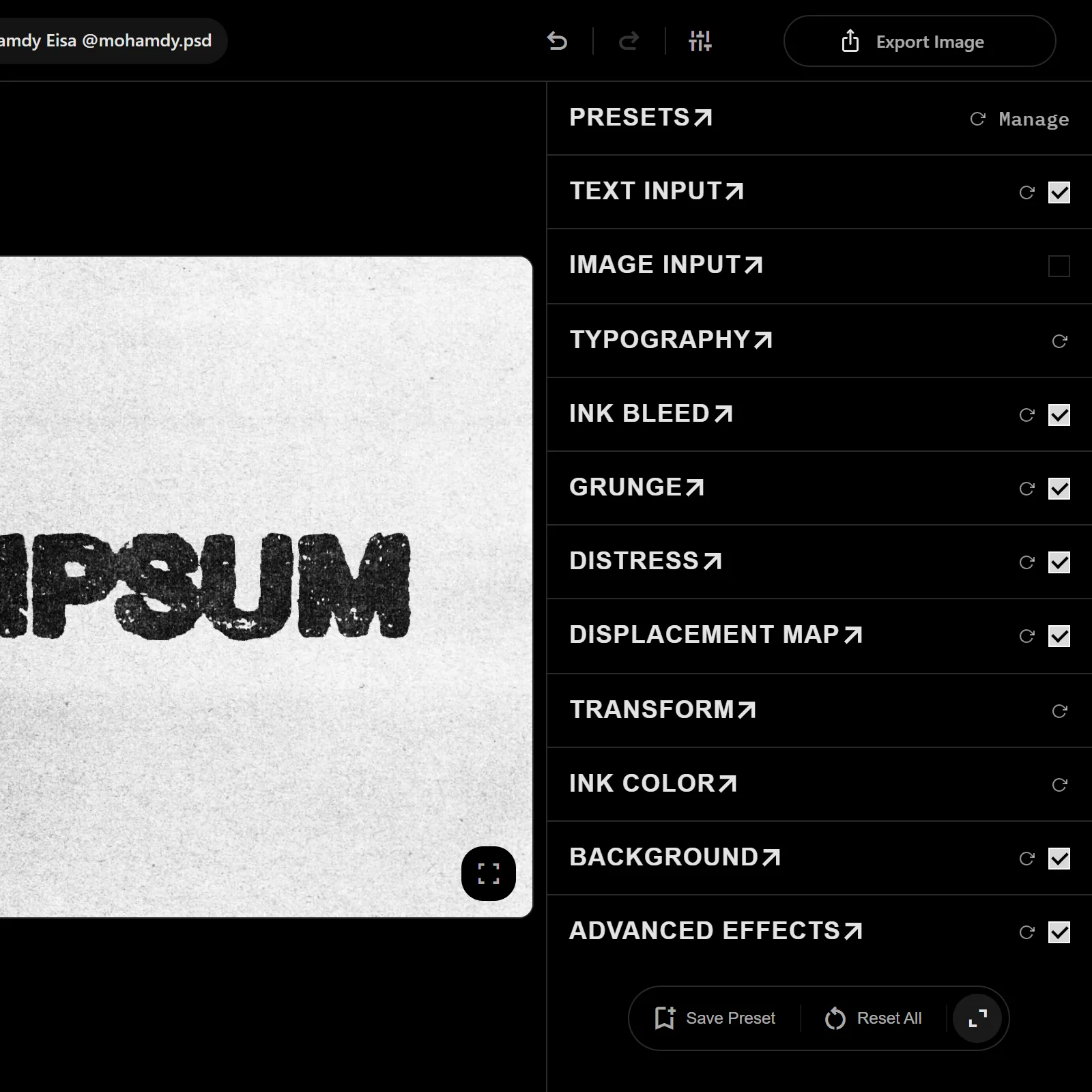
Texture layers
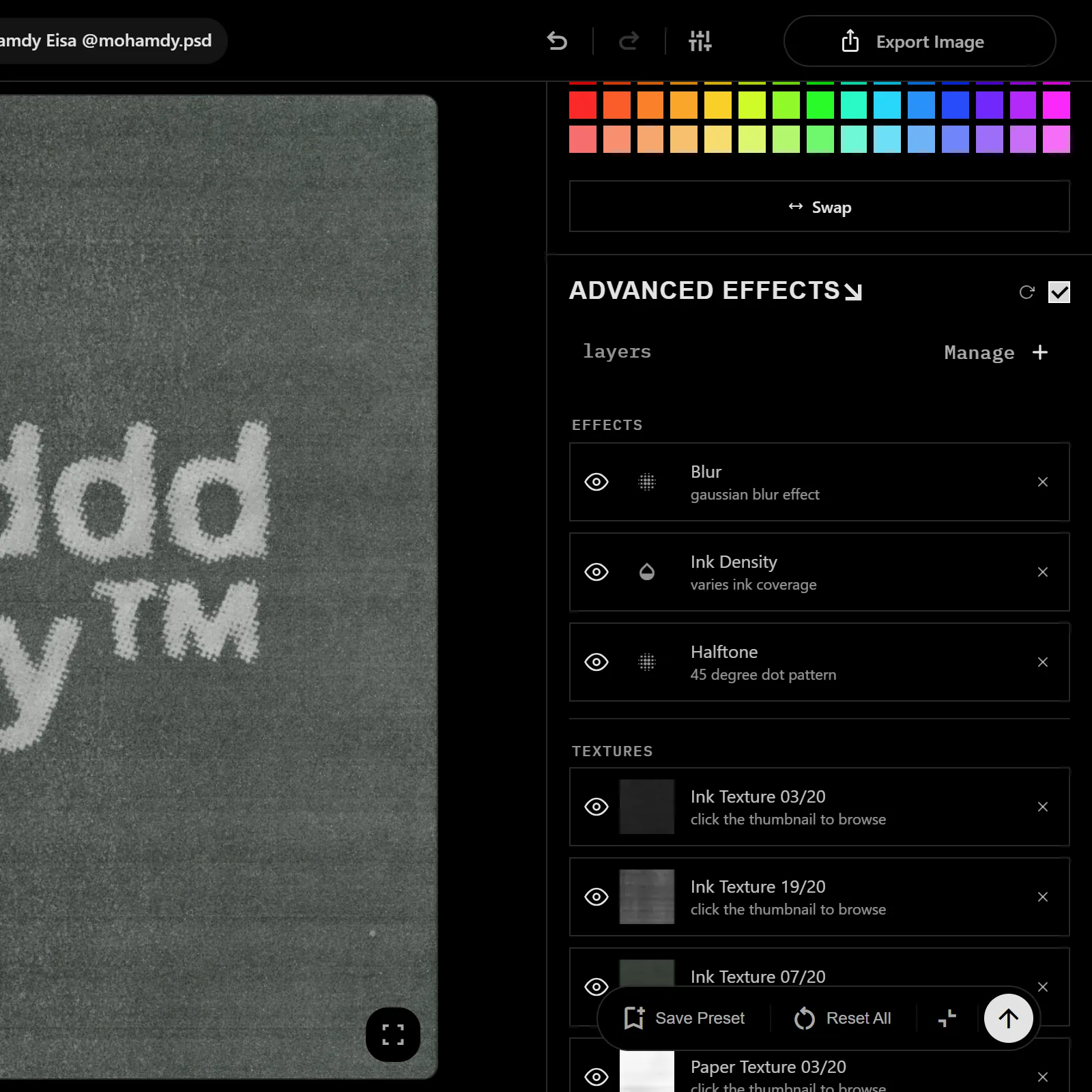
Stack ink density, paper fibre and grain. Every layer has its own strength and its own order.
Stretch and warp
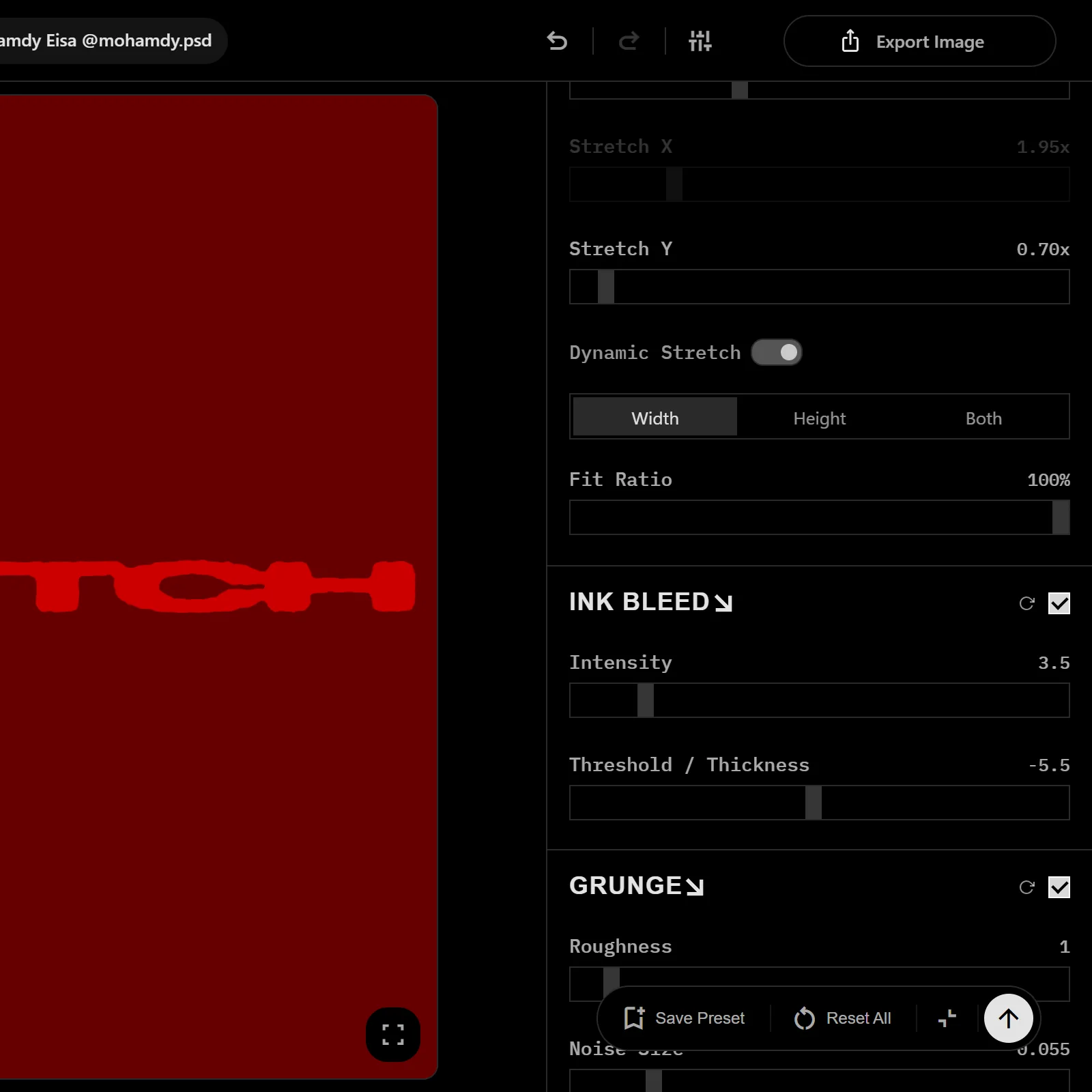
Pull X and Y apart until a word breaks, then pull it back. Blur and displacement follow the zoom.
Presets that stay put
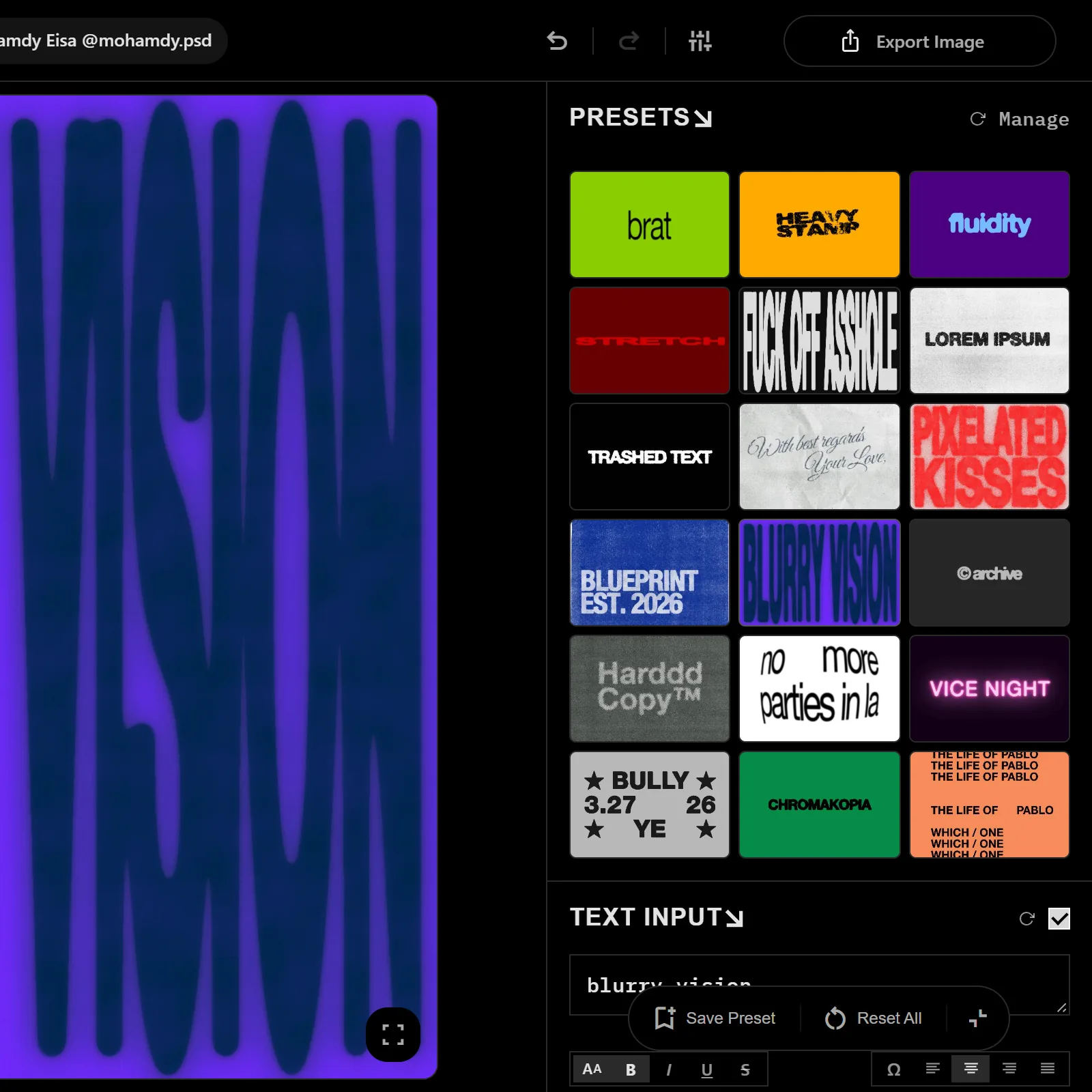
Save the wreck you made. Load it on the next line, keep the seed, get the same edge back.
PNG, SVG, video
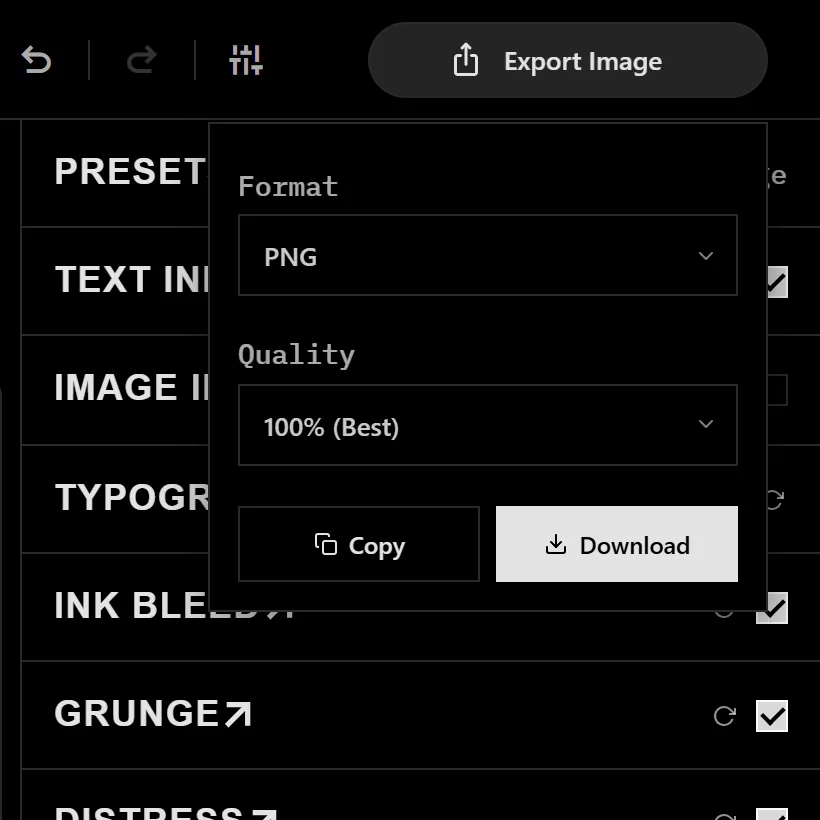
Export at the resolution you set. SVG traced to real vector paths for print, MP4 of the typewriter build for motion.
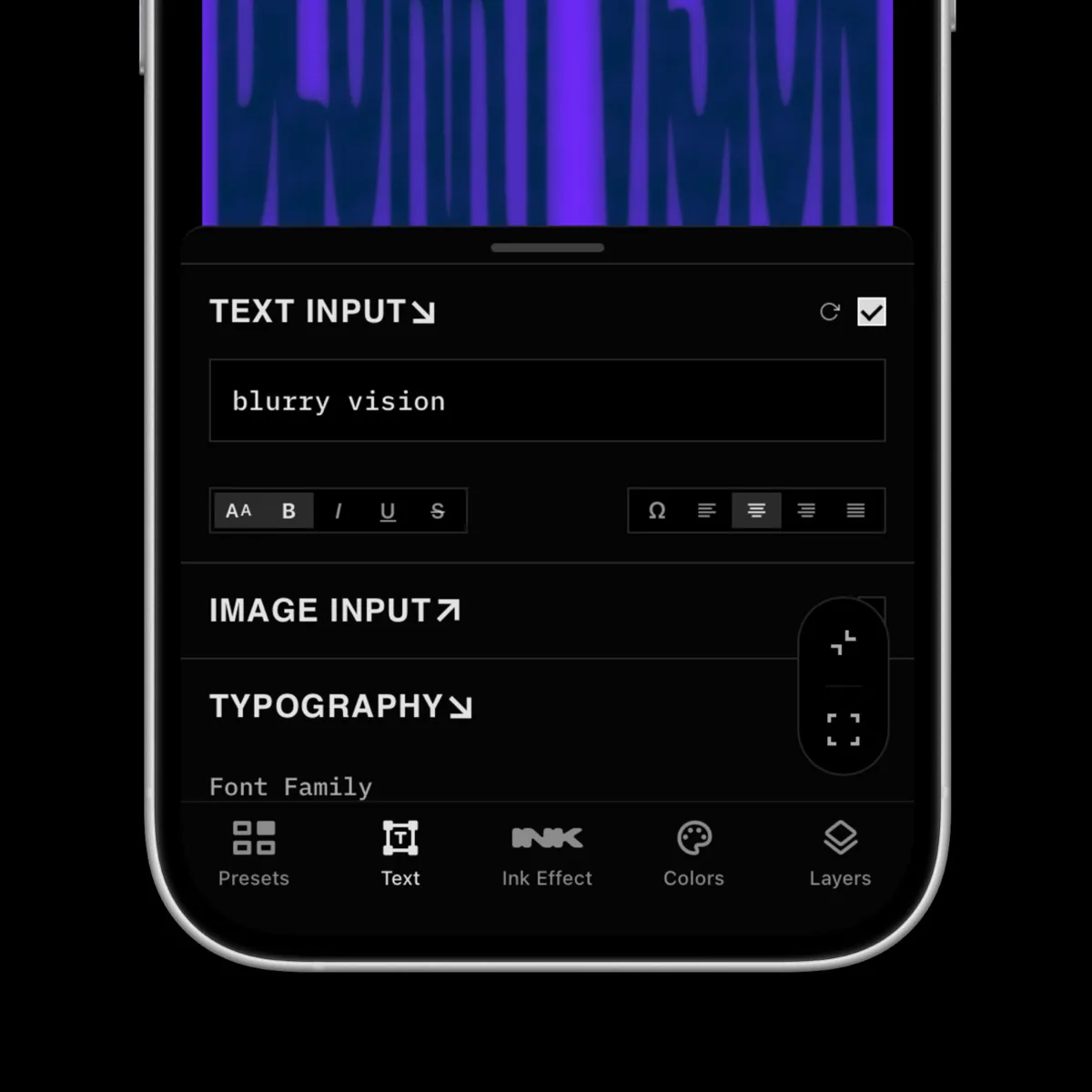
Available on mobile
The same engine on a phone. Pinch the canvas, pull the type out of shape, take the file before you put it down.
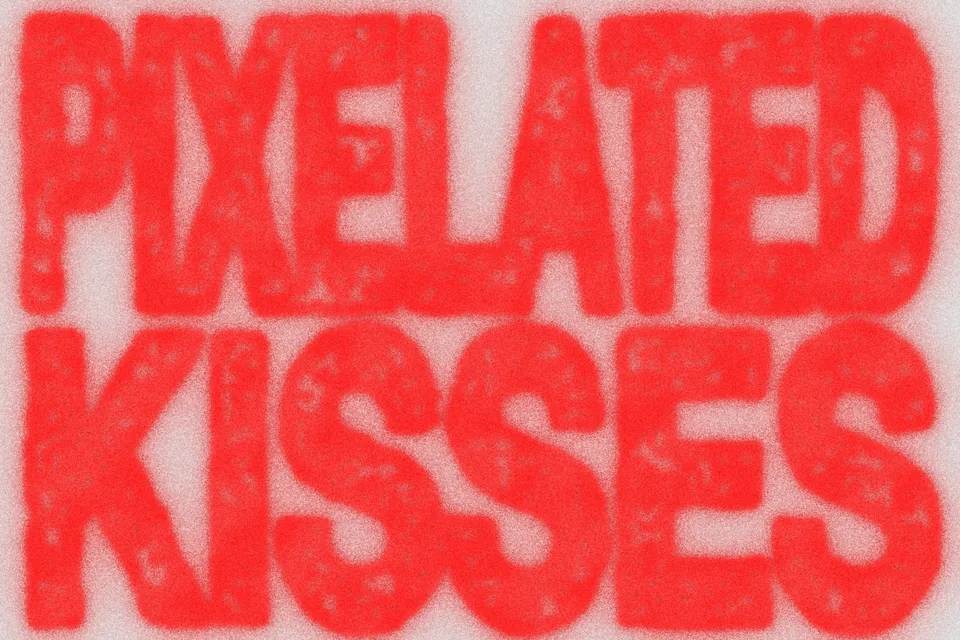
Pixelate and glitch
Break the type into hard blocks until the word reads as texture from across the room. Block size is yours to set.
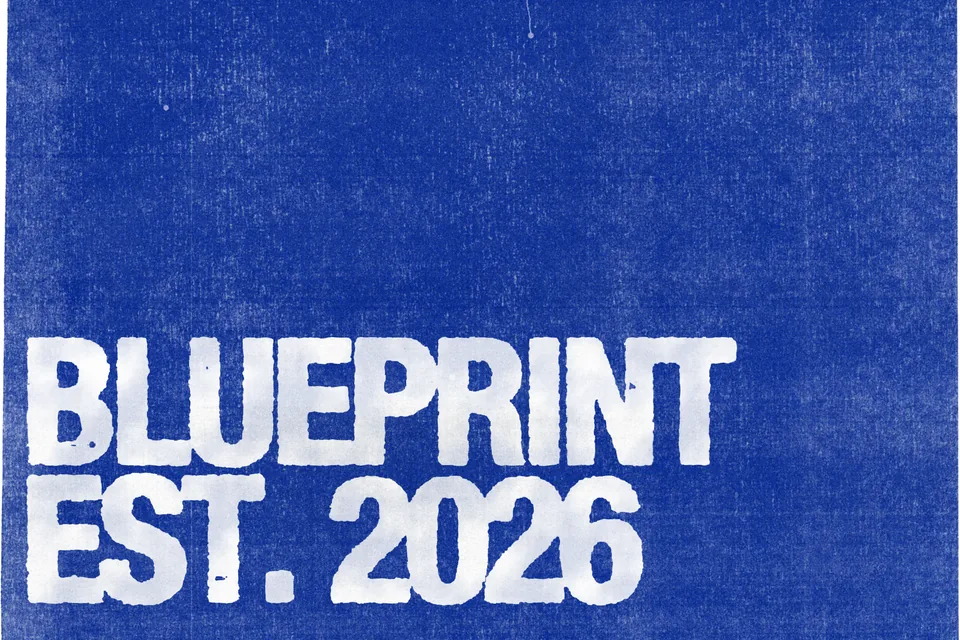
Worn print
Chip the edge of the letter until it looks handled, then choke it back. White on a paper field, like a screen print that has been through a few hands.
Not just bleed.
Halftone, distress, pixelate, stretch, textures, grain and your own fonts run through the same engine, so a preset moves between them.
Halftone
Break the word into dots, sized and spaced to the number you set. Real halftone, not a dot texture laid over the type.
Distress
Eat the edge inward until the ink looks worn, then choke it back. The wear follows the letterform, so no two glyphs break the same way.
Vector in, vector out
Drop an SVG logo into the image input, bleed the mark itself, and export it back as traced paths. No screenshot round trip, no upscaling, no 72 dpi asset.
Your own fonts
Load a font file from your machine. It renders in the browser and never leaves it. Halftone, distress and the rest all work on it.
A simulation,
not a font.
Private by design
Everything renders on your machine. Text, fonts and textures are read in the browser and never uploaded.
One edge, every letter
A bleed font ships the same ragged edge on every glyph. Here the noise is generated, so the word breaks where the type wants it.
Runs at your size
Blur, displacement and grain are recomputed at the size you export. A 3000 px file is a real render, not an upscaled preview.
A designer’s hands
Presets tuned by Mohamdy.psd, who makes album covers and title cards for a living. You start from a finished result.
Made with INKBLEED LAB
Every one of these came out of the same canvas, in the browser, not in Photoshop. More of it on Instagram @mohamdy.psd.
What designers say
Straight from Instagram, in their own words.

آل هريدي
@haridiii___
You save us a lot of effort. I wanna do a lot of things with it right now.

Mo'men
@elghazouly_
I enjoyed using it, can’t wait to use it in my designs.

Anas
@chromeboi.project
It’s crazy, clean, and I had fun using it.

gharib
@ahmedghvrib
Very strong tool.

Kareem Khalil
@towex.6
Insane, insane.

Hassany
@cliquehassany
Awesome.

A حْ M D
@ziithahmd
Looks amazing.

Samir
@samirrnashatt
Wowwwwwwwwwwwwwwwwww, soooo coooooooooool.
Frequently asked questions
Type something. Break it.
About a minute from opening the lab to a file you can use.